typing icon立即將文字轉換為視覺圖像

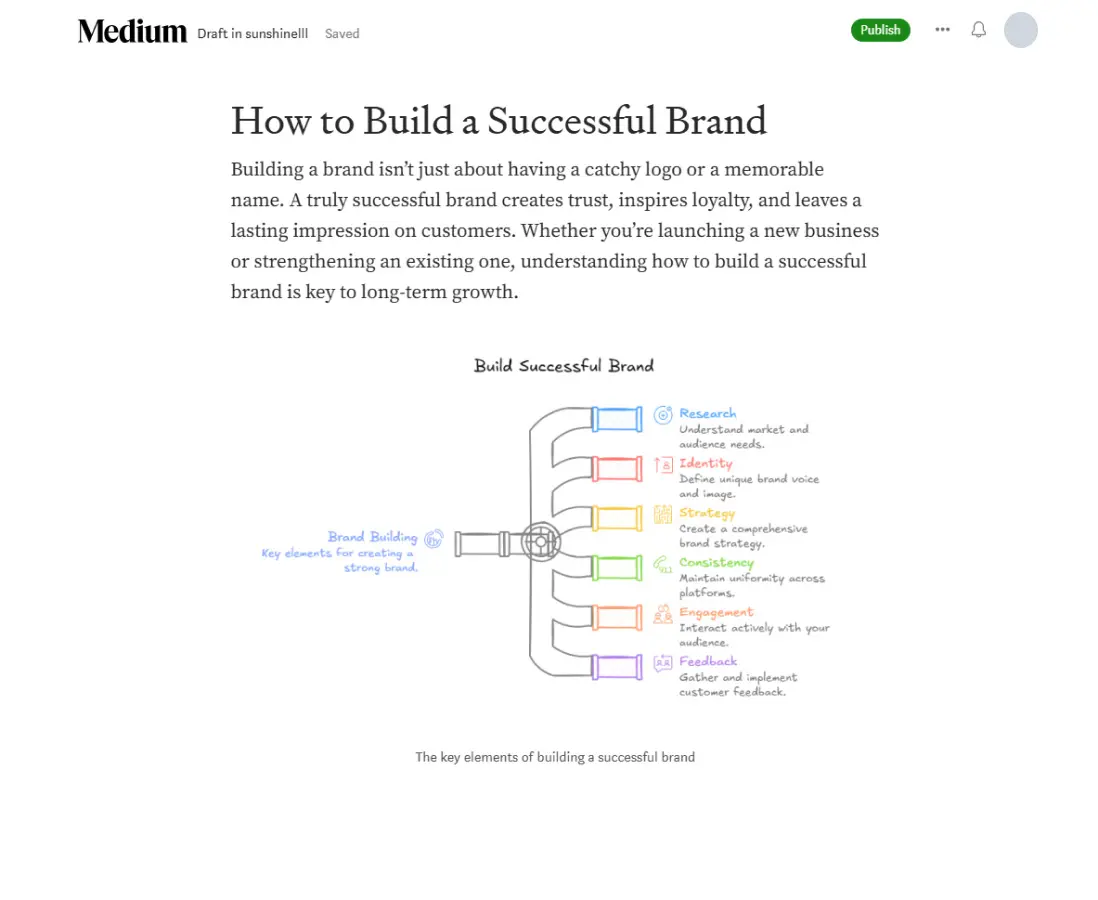
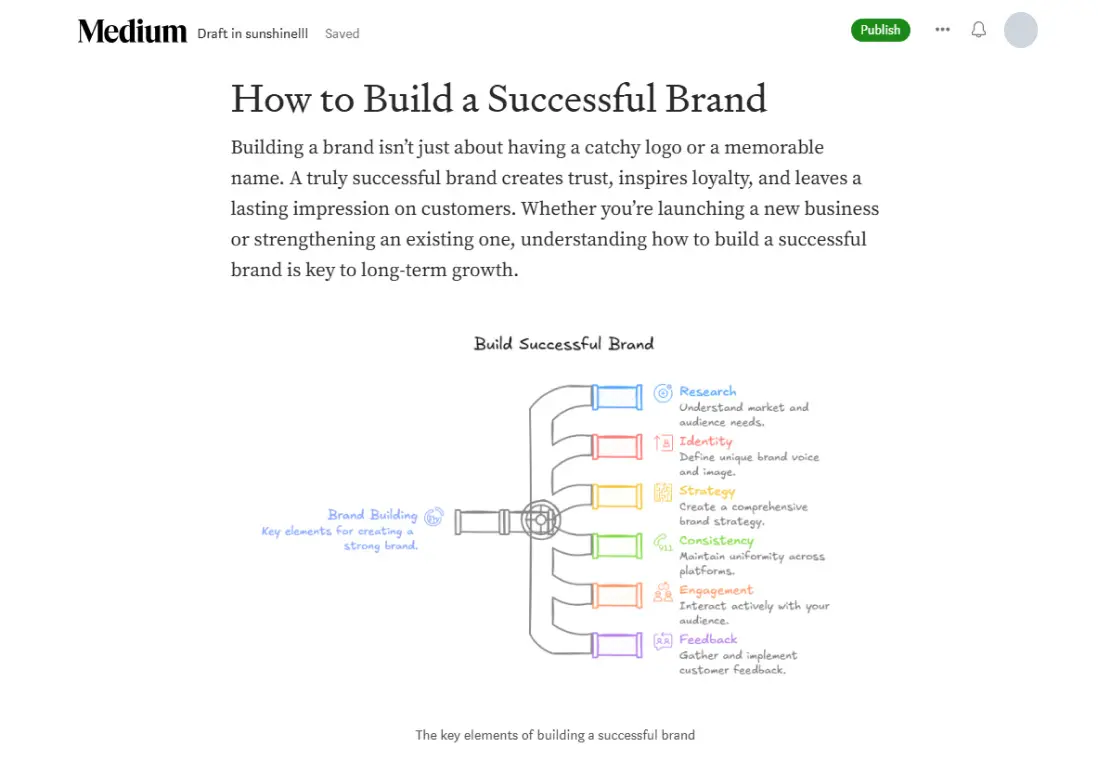
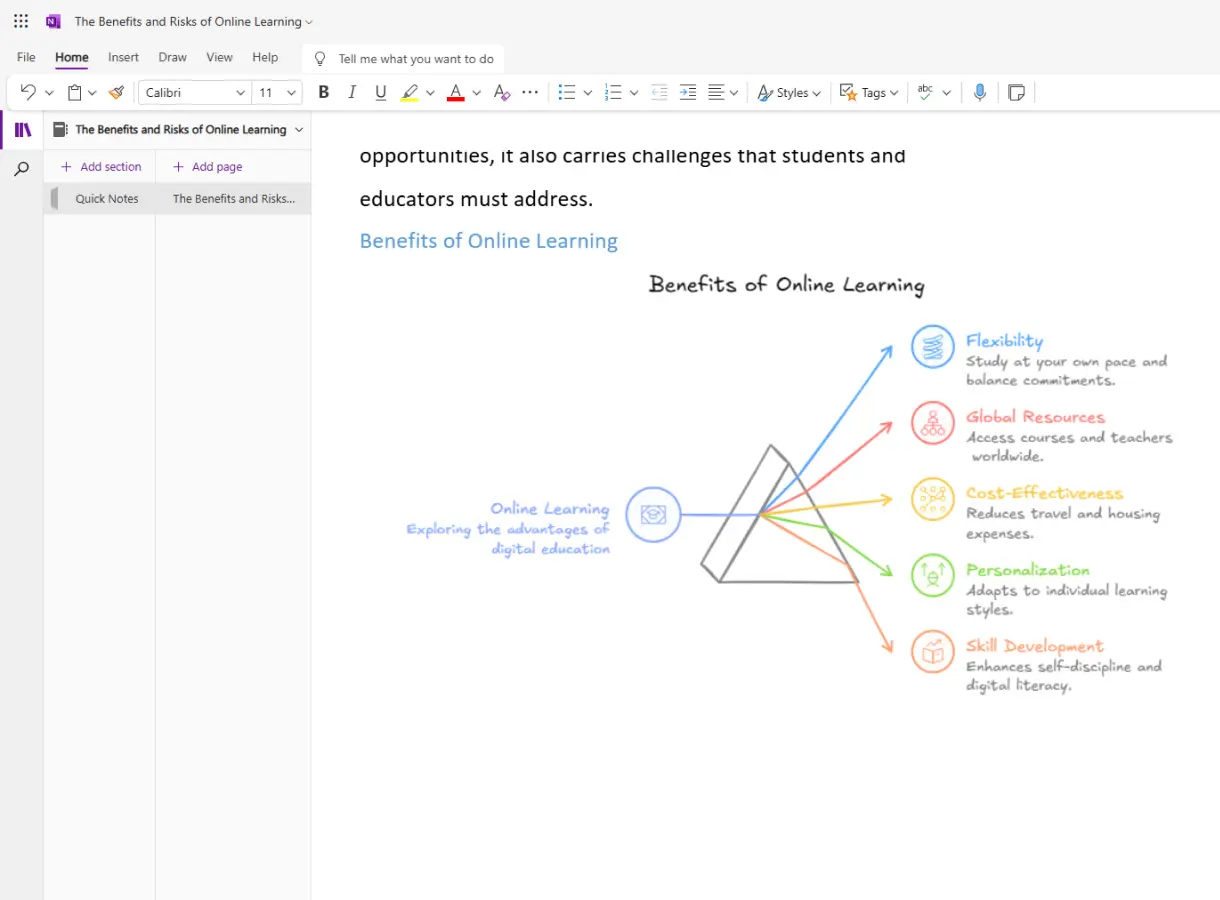
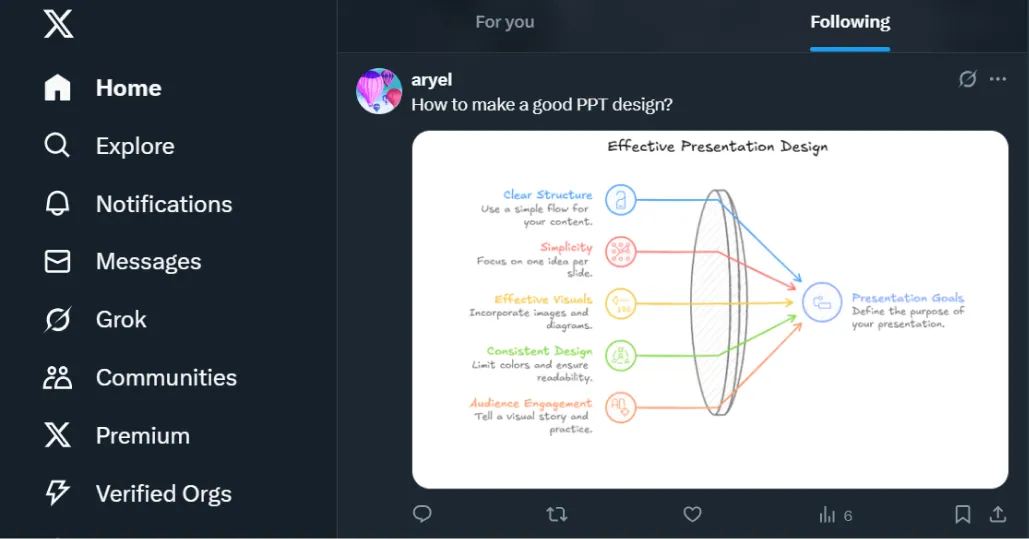
Diagrimo 讓你的想法變成 AI 生成的圖表,輕鬆視覺化、客製化並分享。
探索 Diagrimo 的強大功能

AI 助理圖示 AI 助手

使用 AI 生成、改寫、簡化、翻譯並優化文字內容。

AI 視覺化圖示 AI 視覺化

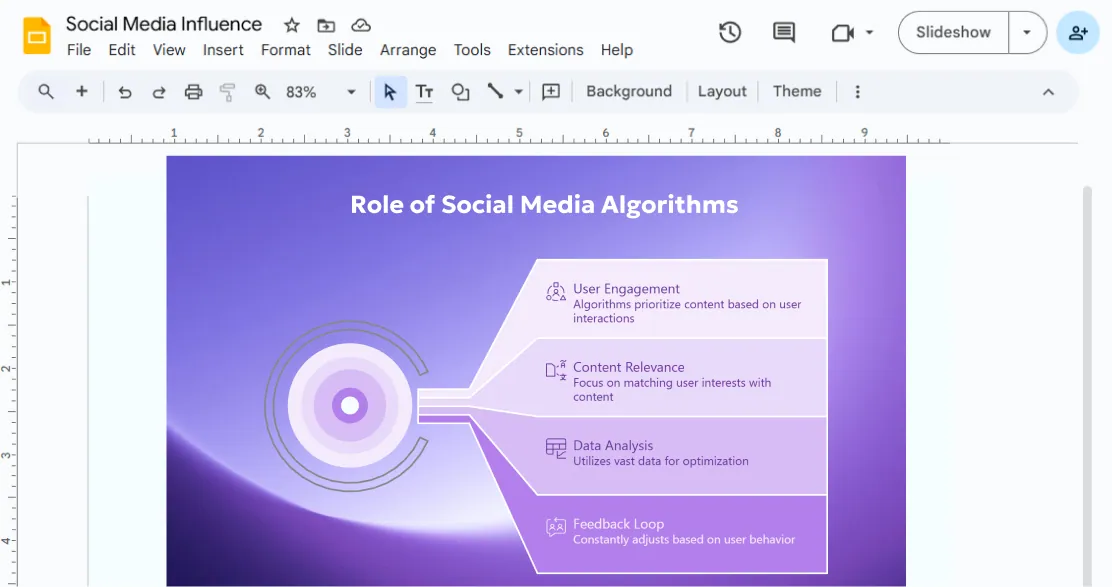
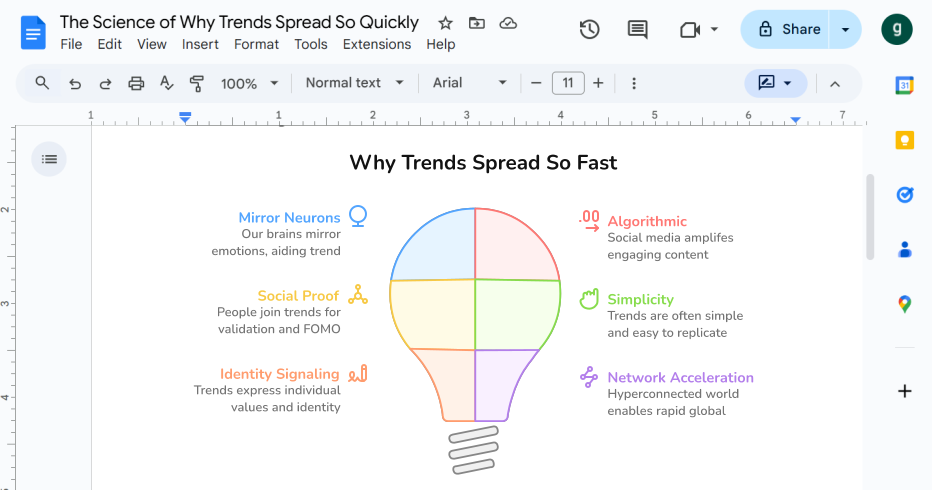
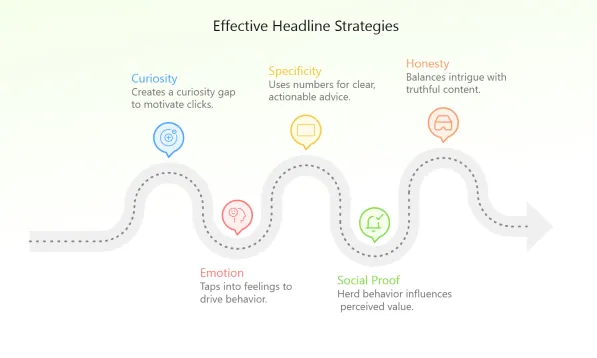
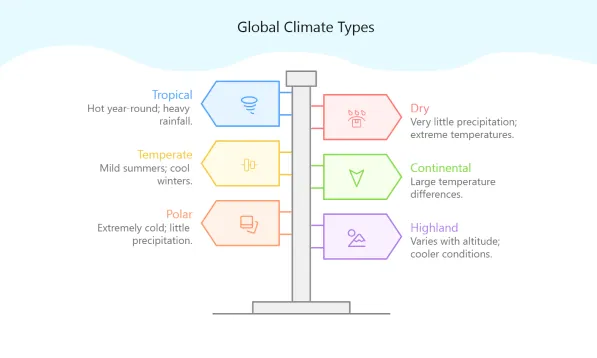
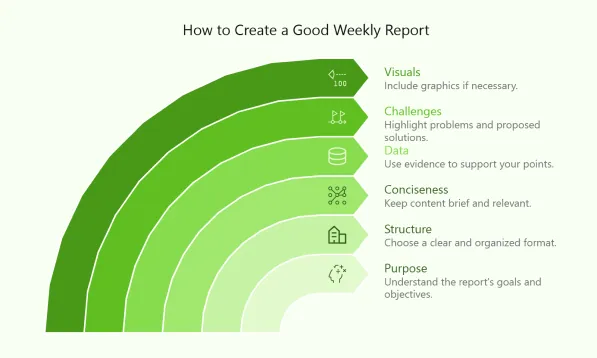
一鍵將文字轉換為圖表、流程圖或資訊圖表。

自訂視覺圖示 自訂視覺

自由調整文字、形狀、線條、色彩與版面配置。

分享與匯出圖示 分享與匯出

透過連結或電子郵件匯出、下載或分享您的視覺內容。

看看 Diagrimo 的實際應用

簡報 團隊協作
diagrimo-work-icon01
diagrimo-work-img01
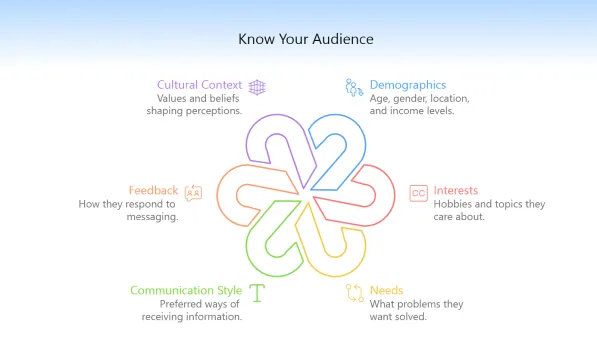
部落格 更好地解釋概念
diagrimo-work-icon02
diagrimo-work-img02.
diagrimo-work-img02-m
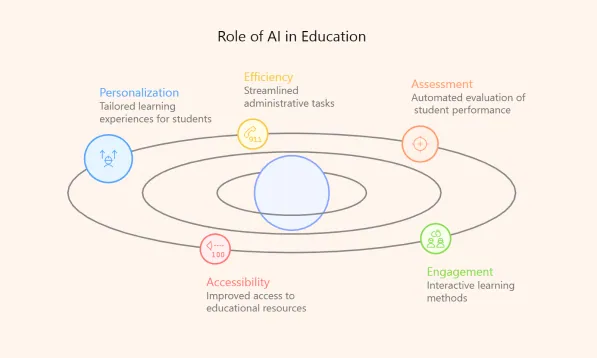
教育 簡化學習
diagrimo-work-icon03
diagrimo-work-img03
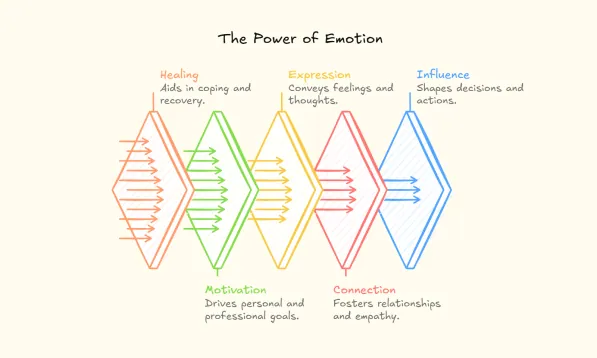
社群媒體 吸引目光
diagrimo-work-icon04
diagrimo-work-img04
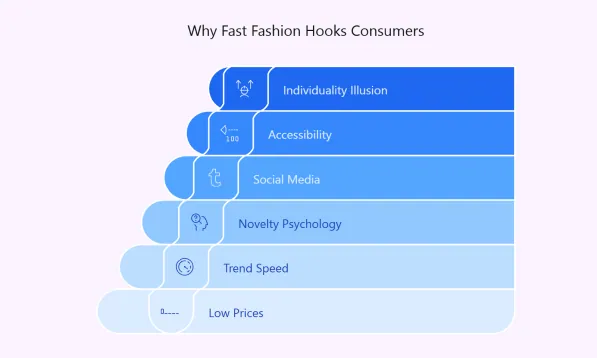
報告 展示洞察
diagrimo-work-icon05
diagrimo-work-img05

來自 Diagrimo 的全新模板
diagrimo-templates-01
diagrimo-templates-02
diagrimo-templates-03
diagrimo-templates-04
diagrimo-templates-05
diagrimo-templates-06
diagrimo-templates-07
diagrimo-templates-11
diagrimo-templates-12
diagrimo-templates-13
diagrimo-templates-14
diagrimo-templates-15
diagrimo-templates-16
diagrimo-templates-17

創作者的真實回饋

If there's one underrated AI tool I'd point you to for seriously boosting your productivity, it's Diagrimo. I rely on it to instantly turn text into clean diagrams for presentations, guides, and client deliverables. It's saved us countless hours and made our content way more engaging. Honestly, it's a game-changing edge.

재미있네요. 정보를 시각적으로 표현하는 것이 이해의 핵심이죠. Diagrimo 같은 새로운 형식은 새로운 사고를 열어줍니다.

Can artificial intelligence really make us more creative, not less? I believe that after using Diagrimo, you will think the answer is yes.

Un pequeño shoutout a Diagrimo. Es una herramienta increíble que uso todos los días para convertir ideas en diagramas claros para mi equipo y comunidad. Si aún no la has probado, de verdad la recomiendo muchísimo.

Just tried out Diagrimo. Really impressive how it instantly turns plain text into clear, professional diagrams. Huge time-saver.

Diagrimoは、AI生成技術を活用してPowerPointプレゼンテーションの作成を大幅に簡素化したいユーザーにおすすめです。テキストを入力するだけで、複雑な情報を分かりやすく整理したダイアグラムを数秒で生成します。日本語にも対応しています。豊富なデザインオプションから選択し、PowerPointに直接貼り付けることができます。

常見問題

什麼是 Diagrimo?

Diagrimo 是一款 AI 資訊圖產生器,同時也是強大的圖表製作器。它能即時將您的想法或文字轉換為清晰、結構化的視覺圖表,協助您整理思路、規劃專案,並在同一平台中輕鬆呈現與分享各種概念。

我如何使用 Diagrimo?

使用 Diagrimo 很簡單:

  • 點擊 創建 以開始新頁面。
  • 在編輯器中,按 空格 並輸入主題,Diagrimo AI 將自動生成您的第一稿。
  • 鍵入 "/**" 以插入標題、列表、圖像或表格等區塊。
  • 突出顯示文本並單擊 ⚡ AI 視覺化圖標 將其轉換為視覺圖表。
  • 將您的最終作品導出為 PDF圖像文件 以用於演示或協作。
  • Diagrimo 的 AI 助手有何特別之處?

    內置的 AI 助手可以:

  • 潤飾和簡化寫作
  • 糾正語法和拼寫
  • 調整語氣和正式性
  • 自然地繼續或擴展您的文本
  • 翻譯成其他語言
  • 這使它成為內容創建和 視覺化的強大工具。

    Diagrimo 與传统圖表生成器有何不同?

    Diagrimo 不僅僅是一個圖表生成器。它利用 AI 理解 您的文本並自動創建合適的圖表,如 SWOT、流程圖或金字塔。它還通過語法糾正、 語氣調整和翻譯工具增強您的寫作,使其成為一個完整的寫作和視覺化 助手。

    Diagrimo 會繼續獲得更新嗎?

    是的。Diagrimo 正在積極改進,並且有新功能即將推出, 包括:

  • AI 視覺編輯 讓您通過編輯 文本、顏色和形狀來自定義視覺效果。
  • 高級導出選項 用於 PPT、Word 和圖像格式。
  • 擴展的視覺模板庫 用於商業、策略和流程映射。
  • typing icon立即將您的想法視覺化並分享