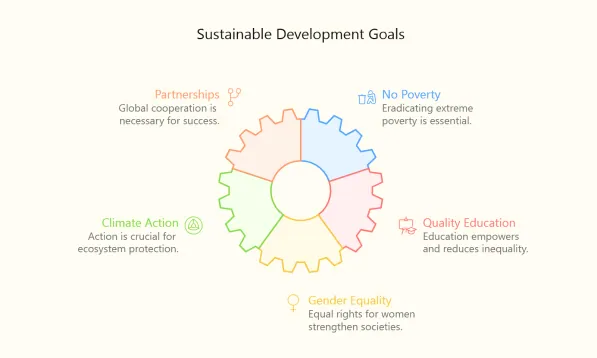
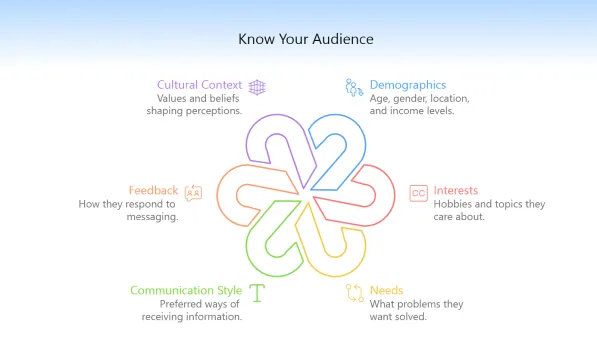
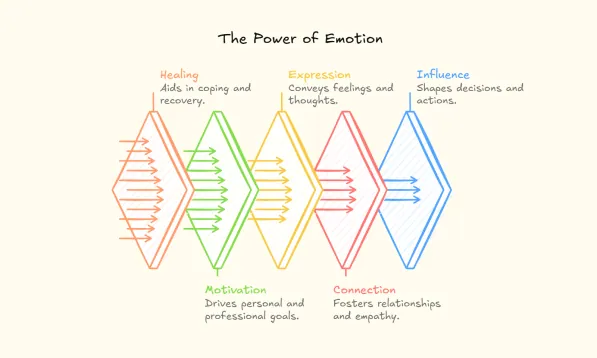
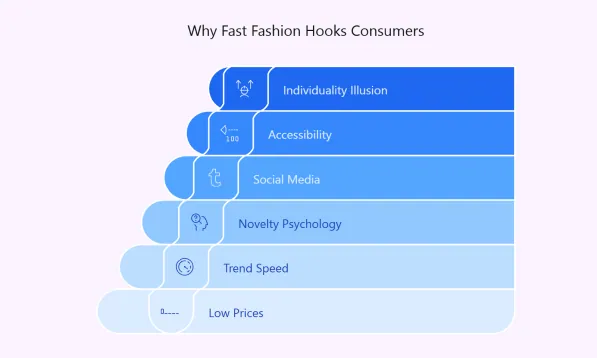
Turn Text into Visuals Instantly

Diagrimo turns your ideas into AI-generated diagrams that let you visualize, customize, and share with ease, making communication faster and clearer.
How to Use Diagrimo

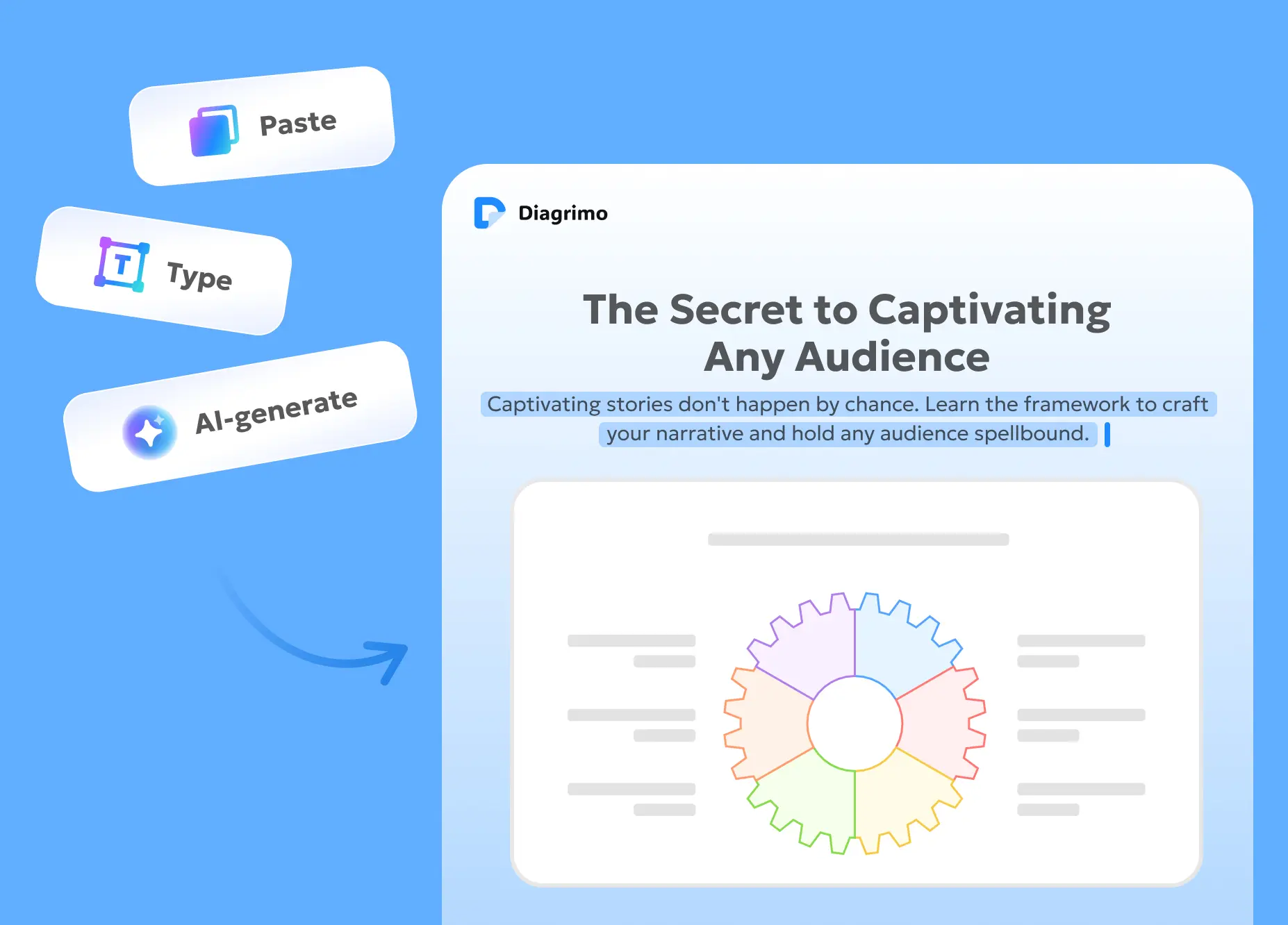
Enter Your Text

Paste or type your text into Diagrimo, or let the AI assistant powered by the latest ChatGPT model create it for you while brainstorming.

AI Diagram Creator Generates Visuals

Our AI uses semantic understanding to instantly turn your text into well-structured diagrams, charts, or infographics.
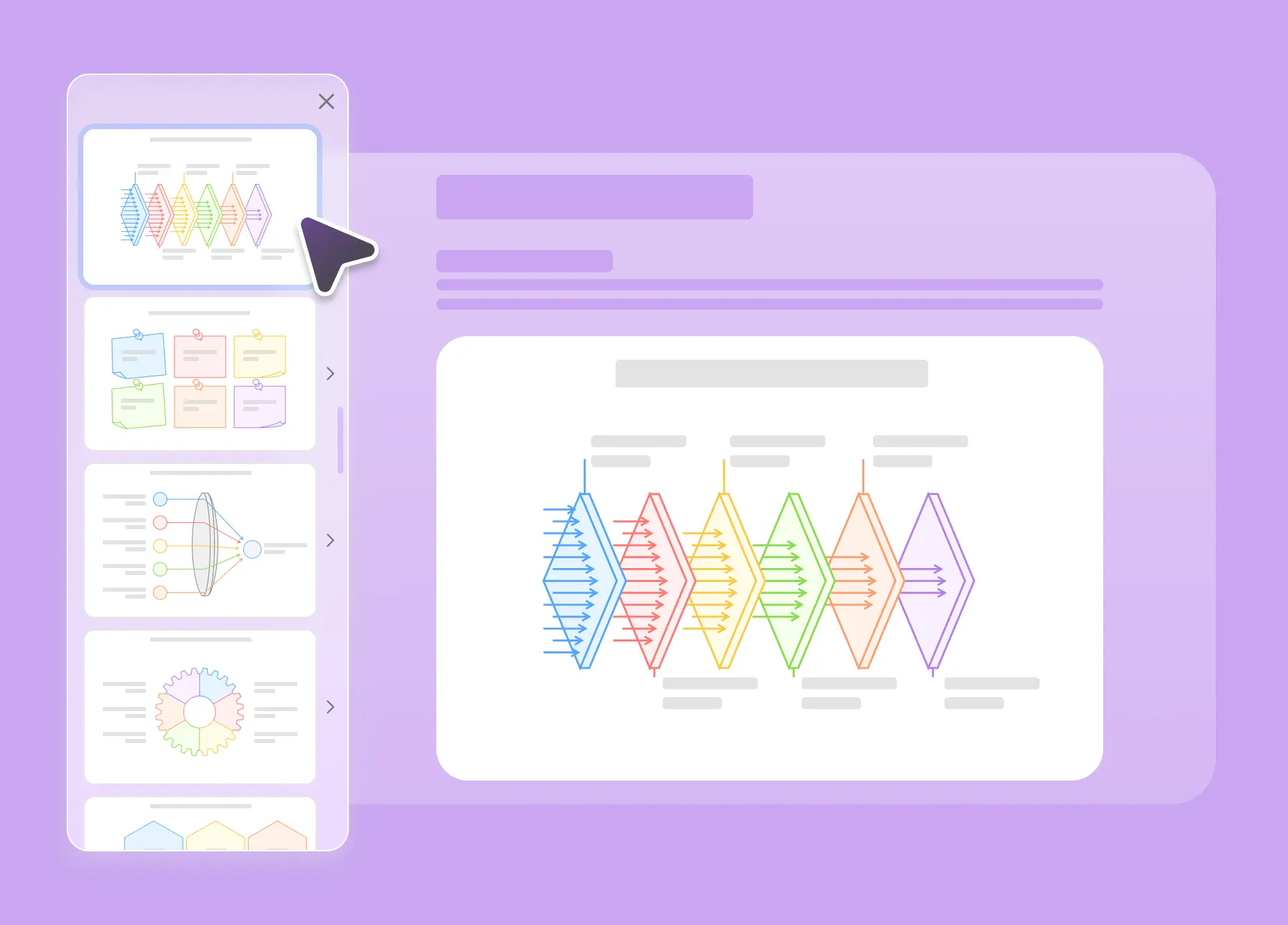
Customize & Collaborate

Adjust templates, edit colors or layout, and collaborate with your team in real time.
Share or Export

Share your visuals with a link, or export them in multiple formats for presentations, reports, social media, research papers or teaching materials.
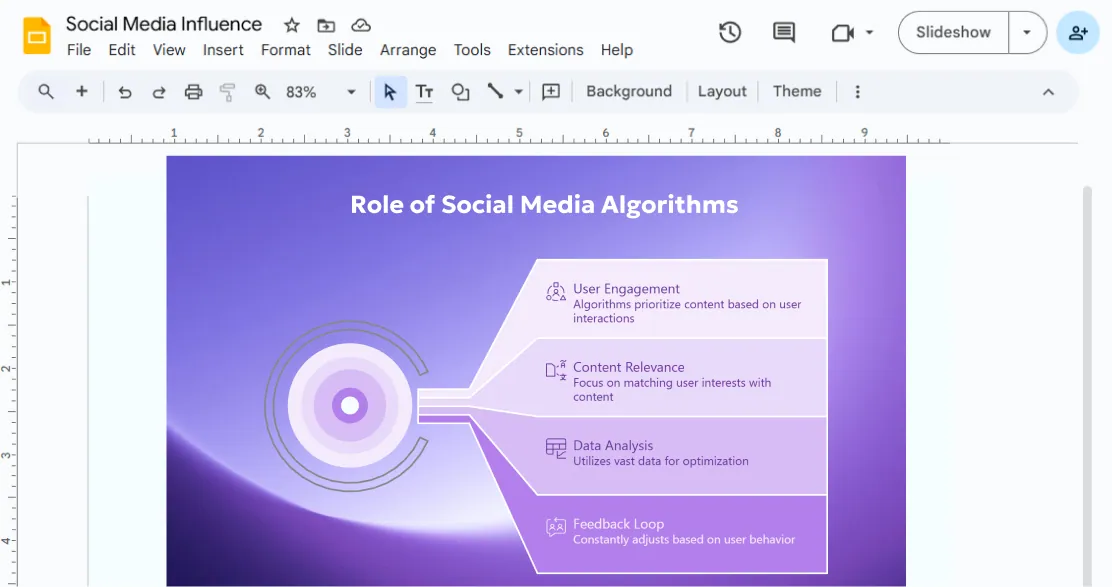
See Diagrimo at Work

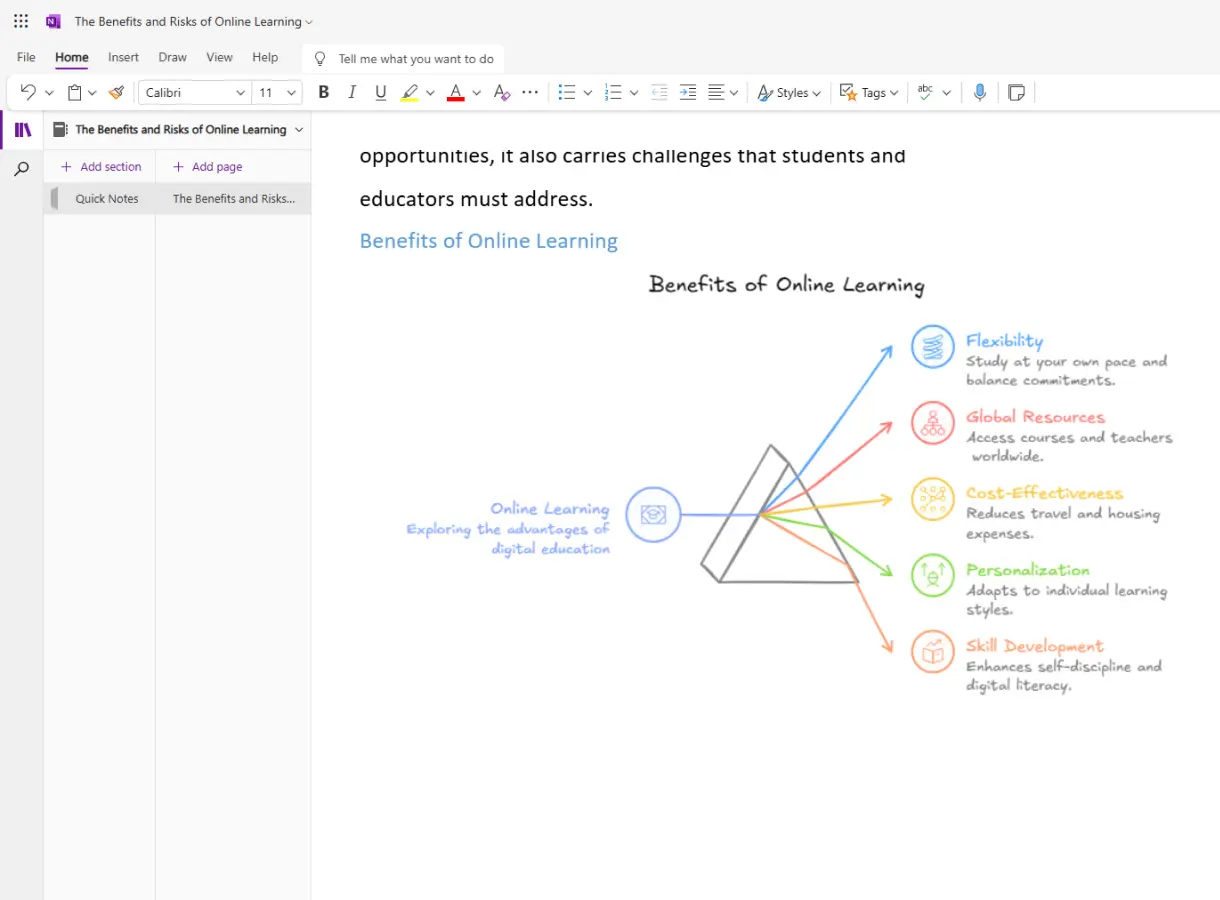
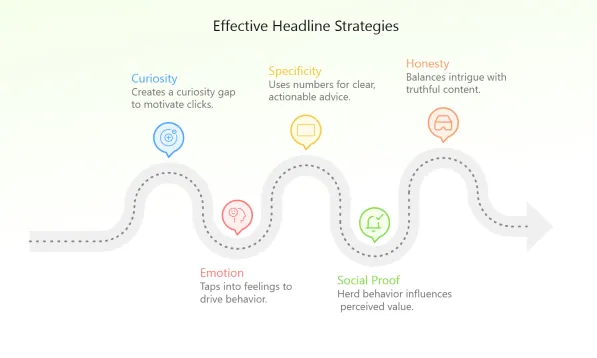
Presentations Collaboration
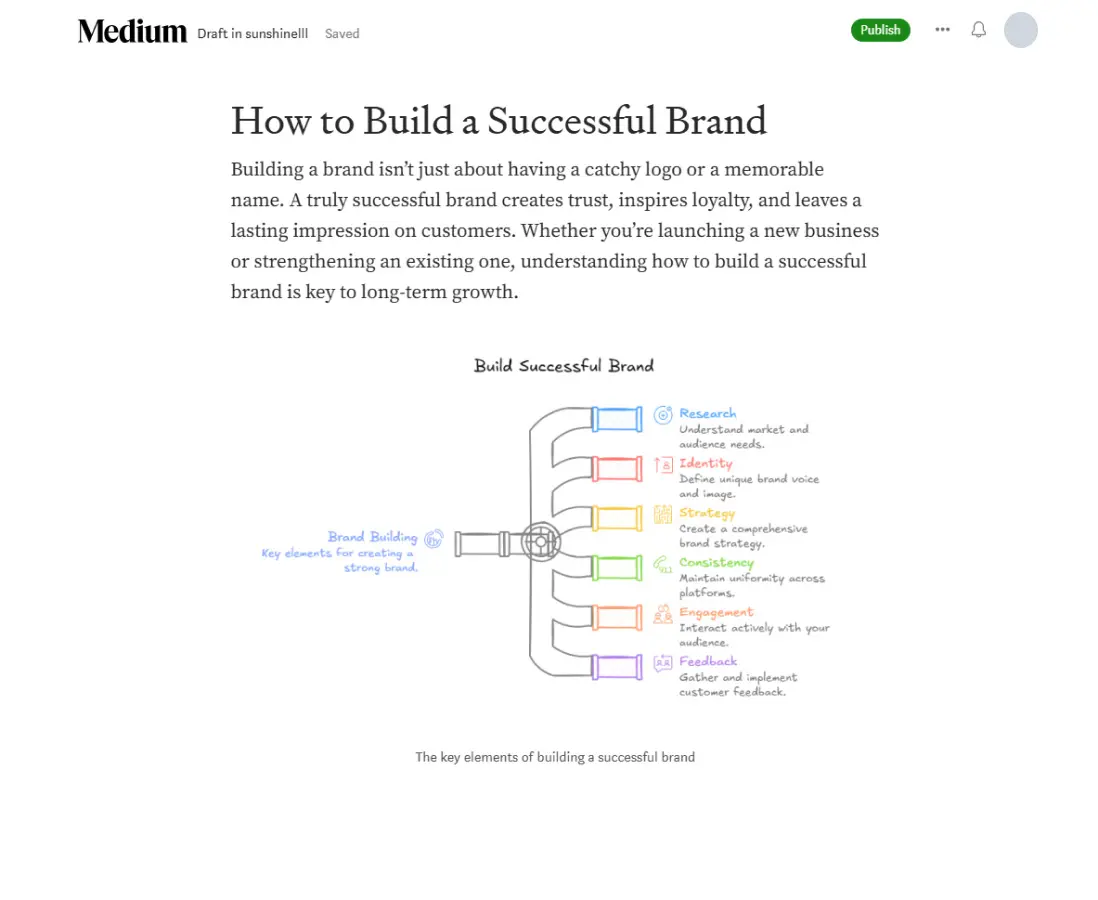
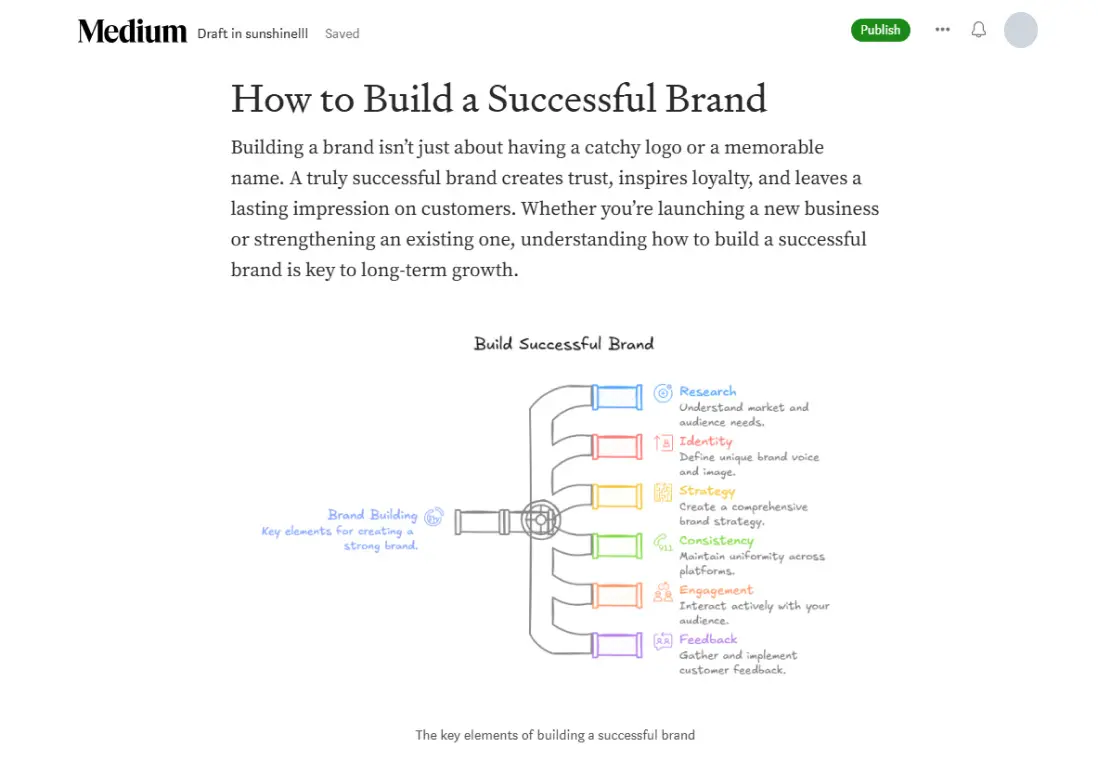
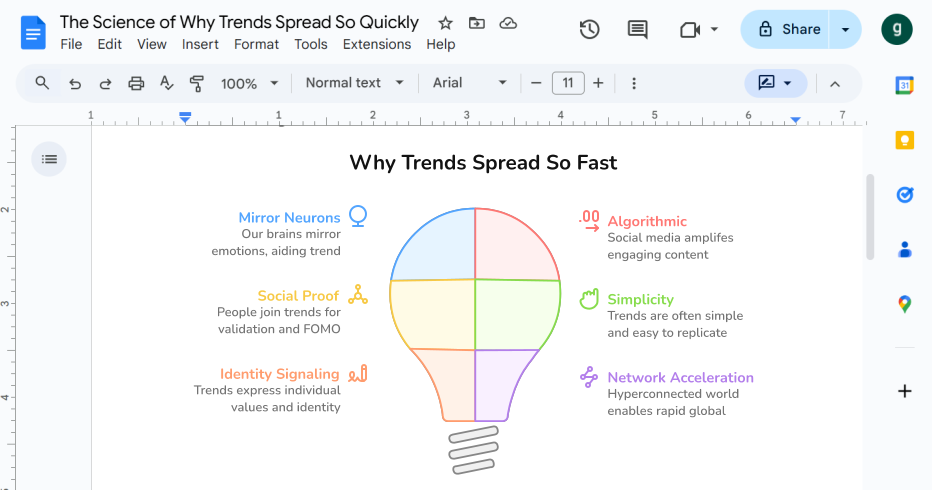
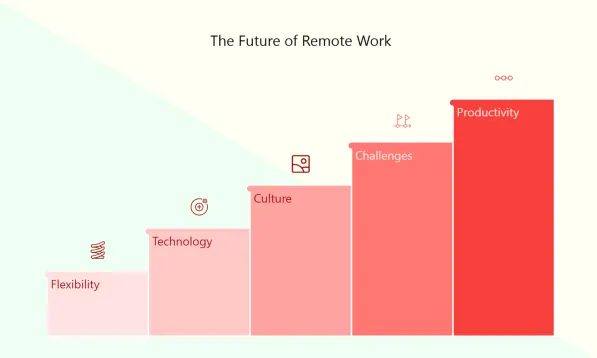
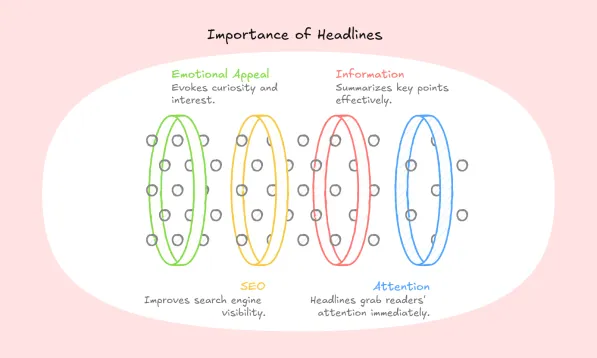
Blog Explain Better
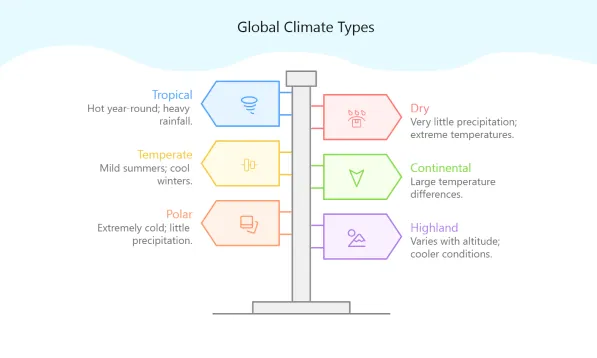
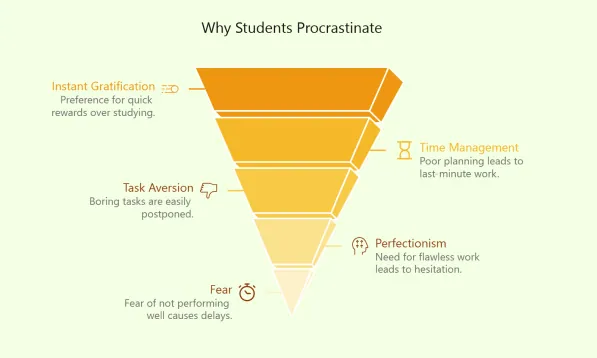
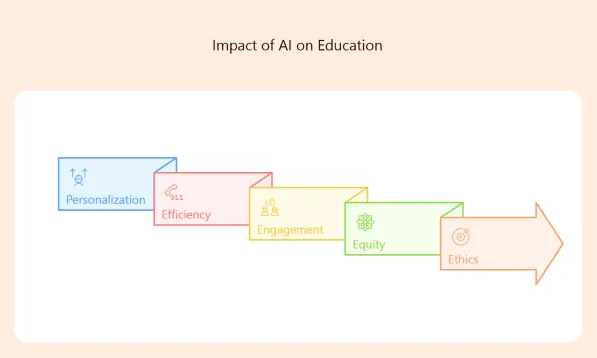
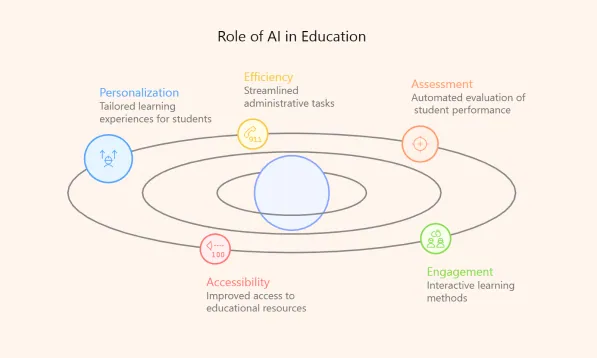
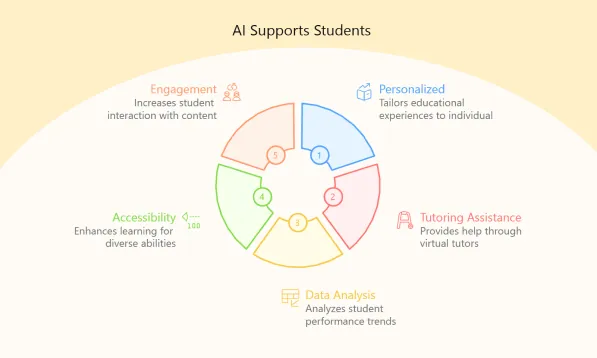
Education Simplify Learning
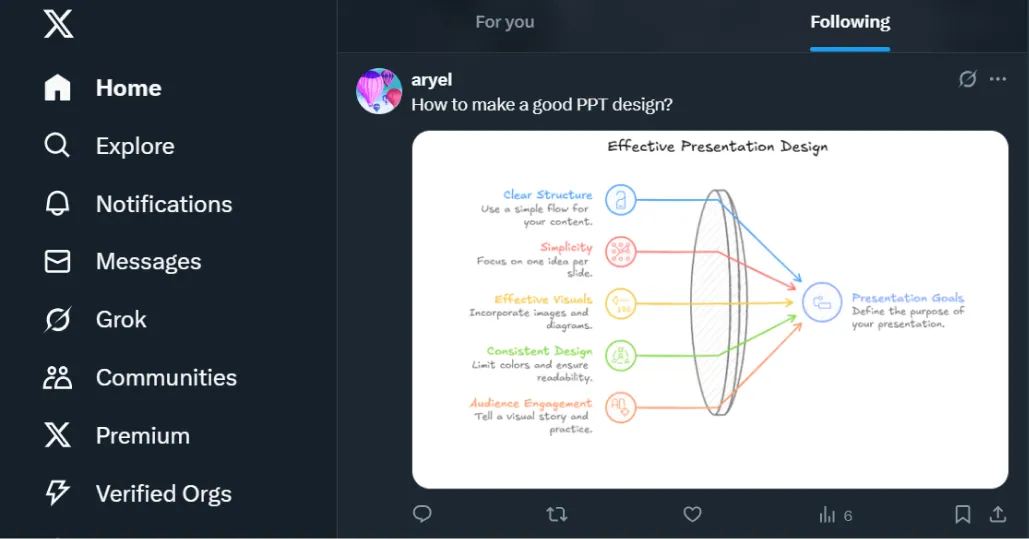
Social Media Grab Attention
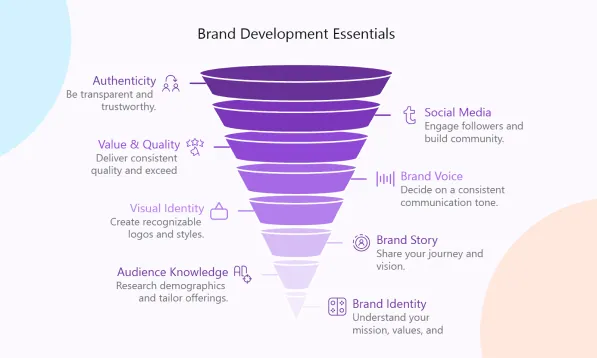
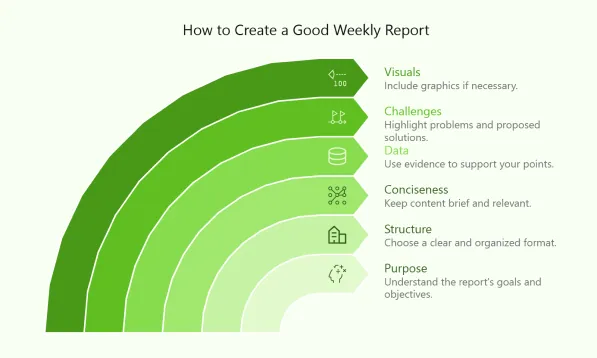
Reports Show Insights

Always Fresh Templates from Diagrimo
Voices Behind the Visuals

If there's one underrated AI tool I'd point you to for seriously boosting your productivity, it's Diagrimo. I rely on it to instantly turn text into clean diagrams for presentations, guides, and client deliverables. It's saved us countless hours and made our content way more engaging. Honestly, it's a game-changing edge.

재미있네요. 정보를 시각적으로 표현하는 것이 이해의 핵심이죠. Diagrimo 같은 새로운 형식은 새로운 사고를 열어줍니다.

Can artificial intelligence really make us more creative, not less? I believe that after using Diagrimo, you will think the answer is yes.

Un pequeño shoutout a Diagrimo. Es una herramienta increíble que uso todos los días para convertir ideas en diagramas claros para mi equipo y comunidad. Si aún no la has probado, de verdad la recomiendo muchísimo.

Just tried out Diagrimo. Really impressive how it instantly turns plain text into clear, professional diagrams. Huge time-saver.

Diagrimoは、AI生成技術を活用してPowerPointプレゼンテーションの作成を大幅に簡素化したいユーザーにおすすめです。テキストを入力するだけで、複雑な情報を分かりやすく整理したダイアグラムを数秒で生成します。日本語にも対応しています。豊富なデザインオプションから選択し、PowerPointに直接貼り付けることができます。

FAQs

What is Diagrimo?

Diagrimo is an AI-powered tool that instantly turns your ideas or text into clear, structured visual diagrams. It helps you organize thoughts, plan projects, and present concepts easily in one place.

Is Diagrimo free to use for text-to-diagram?

Yes. Diagrimo is largely free to use, and you'll receive a daily allowance of free credits, which is sufficient for regular usage. Paid users, however, get early access to new features, higher usage limits, and priority support. (Pricing & Plan)

How do I use Diagrimo?

Using Diagrimo is simple:

  • Click Create to start a new page.
  • In the editor, press Space and enter a topic, Diagrimo AI will auto-generate your first draft.
  • Type "/**" to insert blocks like titles, lists, images, or tables.
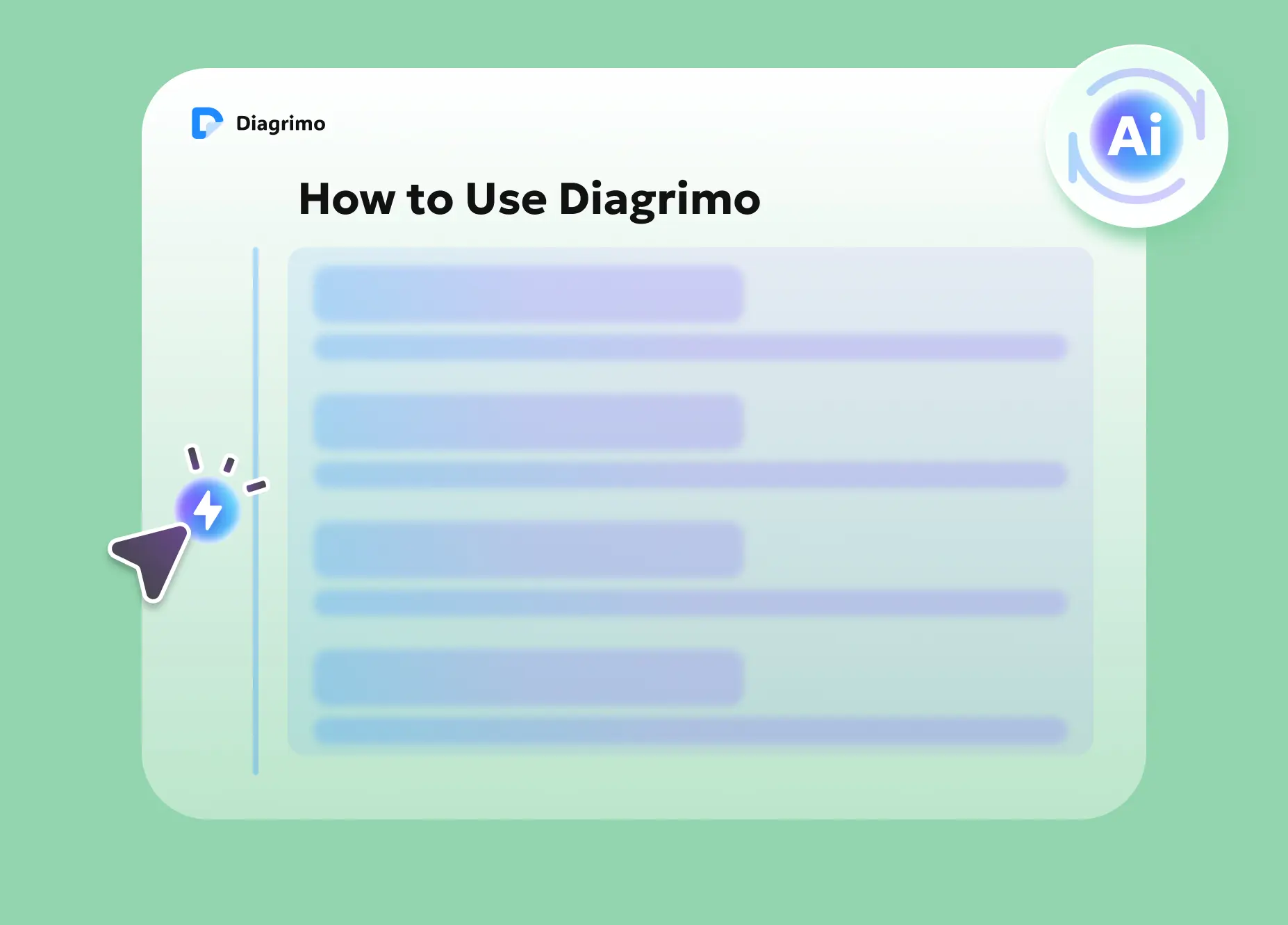
  • Highlight text and click the ⚡ AI Visualize icon to turn it into a visual diagram.
  • Export your final work as a PDF or image file for presentations or collaboration.
  • What makes Diagrimo's AI Assistant special?

    The built-in AI Assistant can:

  • Polish and simplify writing
  • Correct grammar and spelling
  • Adjust tone and formality
  • Continue or expand your text naturally
  • Translate into other languages
  • This makes it a powerful tool for both content creation and visualization.

    How is Diagrimo different from other diagram builders?

    Diagrimo is more than a diagram builder. It uses AI to understand your text and automatically create the right diagram, such as a fishbone, flowchart, or pyramid. It also enhances your writing with tools for grammar correction, tone adjustment, and translation, making it a complete writing and visualization assistant.

    Will Diagrimo continue to get updates?

    Yes. Diagrimo is actively improving with new and upcoming features, including:

  • More powerful AI visualization, backed by a pioneering LLM with trillions of parameters for smarter understanding and higher-quality templates.
  • A larger and richer template library designed to fit every scenario and use case.
  • Team collaboration features that boost productivity and reduce communication overhead.
  • Visualize Your ldeas and Share Now