Creating a great visual should feel like a natural extension of your work—not a separate task.
With the latest Diagrimo update, you can bring in existing content, find the right visual format faster, and make every result feel more like your own. From file import to style selection, these improvements give you more control while keeping the path from idea to visual simple.
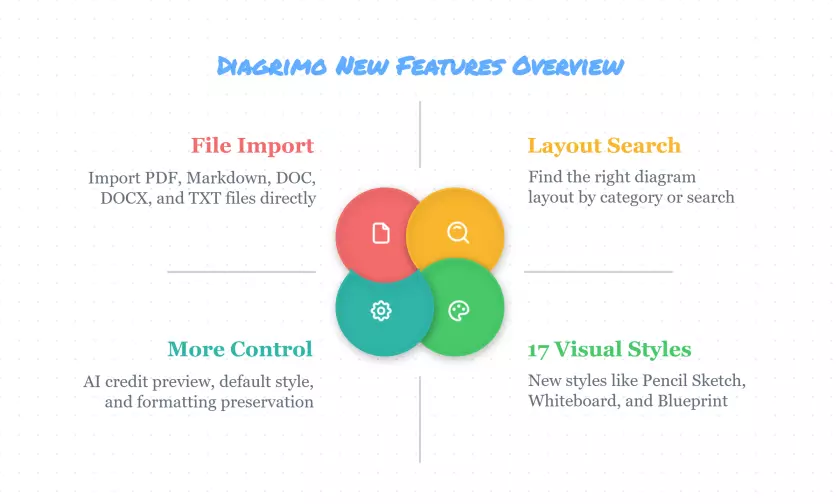
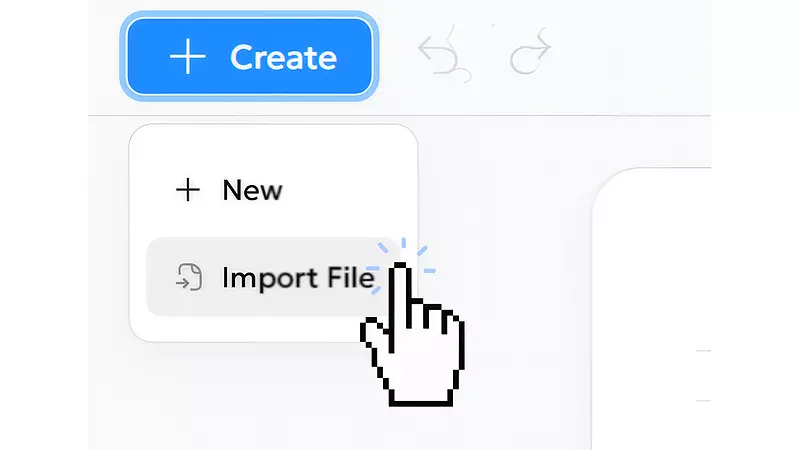
Import Files from PDF, Markdown, DOC, DOCX, and TXT
Diagrimo now supports importing PDF, Markdown, DOC, DOCX, and TXT files. Bring in research notes, reports, project briefs, lesson materials, meeting summaries, or drafts you have already written—then turn the information that matters into clear visuals in the same workspace.
Instead of moving content between multiple tools, you can start directly from the materials you already use. Import a document, review the content, select the key points, and visualize them when you are ready.
Whether you are organizing research for a presentation, simplifying a long report, or turning written notes into a shareable diagram, Diagrimo helps you move from source material to visual explanation with fewer steps.
Find the Right Layout Faster
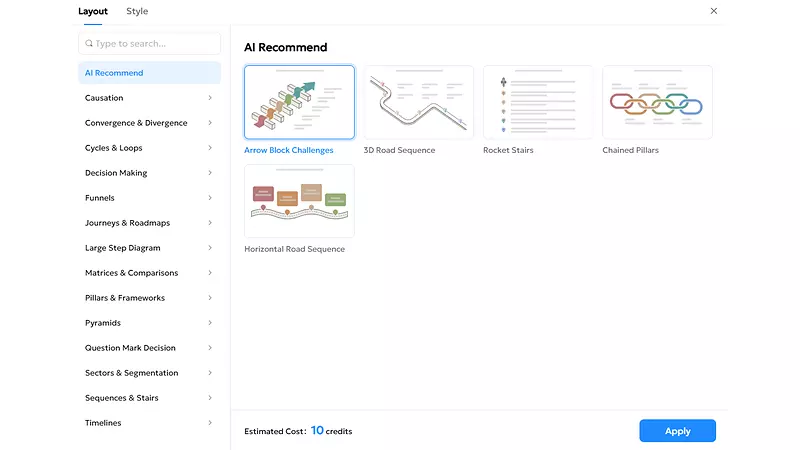
Every idea needs the right structure. A process may work best as a flowchart. A comparison may need a side-by-side layout. A complex topic may be easier to understand as a hierarchy, timeline, or concept map. With new layout categories and layout search, Diagrimo makes it easier to find the format that fits what you want to communicate.
Browse layouts by category when you want inspiration, or search when you already know what you need. This makes it faster to explore options without losing time scrolling through unrelated designs.
The result is a smoother decision-making process: spend less time looking for the right format, and more time creating a visual that helps people understand your message at a glance.
Explore 17 New Styles to Visualize Your Ideas
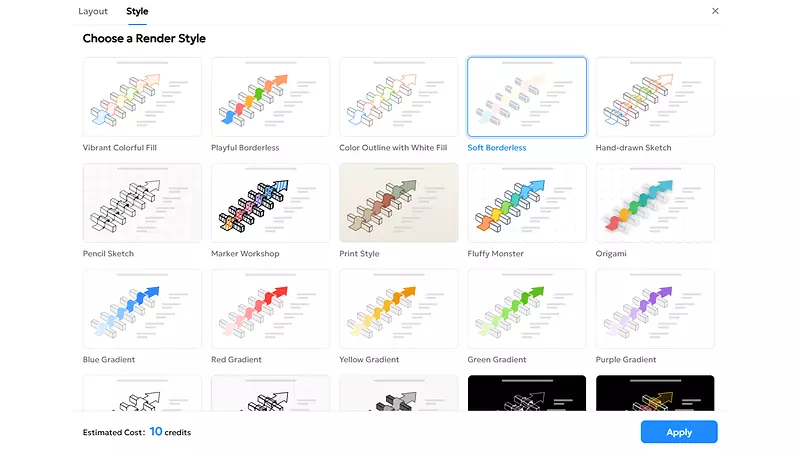
Diagrimo now offers 17 visual styles, including Pencil Sketch, Whiteboard, Blackboard, Marker, Project Brief, Realistic, Blueprint, and Print-Ready styles. Each style gives you a different way to frame the same idea for a different audience, setting, or purpose.
Use a Project Brief or Print-Ready style for polished reports and professional presentations. Choose Whiteboard or Marker when you want a more collaborative, workshop-like feel. Try Blueprint for structured planning, Pencil Sketch for early concepts, or Realistic styles when you want a more expressive visual result.
You no longer need to settle for one visual direction. Start with the content, then choose the look that best matches the moment.
More Control, With Less Rework
The latest improvements also make it easier to create with confidence and keep your workflow consistent.
-
AI Credit Cost Preview:
View the estimated AI credit cost before applying a new layout or visual style, making it easier to compare creative options and make informed choices. -
Default Visual Style Settings:
Set your preferred visual style as the default and choose where it applies, helping you maintain a consistent look across reports, classes, presentations, and projects. -
Improved HTML & Markdown Formatting Preservation:
Preserve more original formatting when importing HTML or Markdown content, including headings, lists, and structure, so you can focus on content creation instead of reformatting.

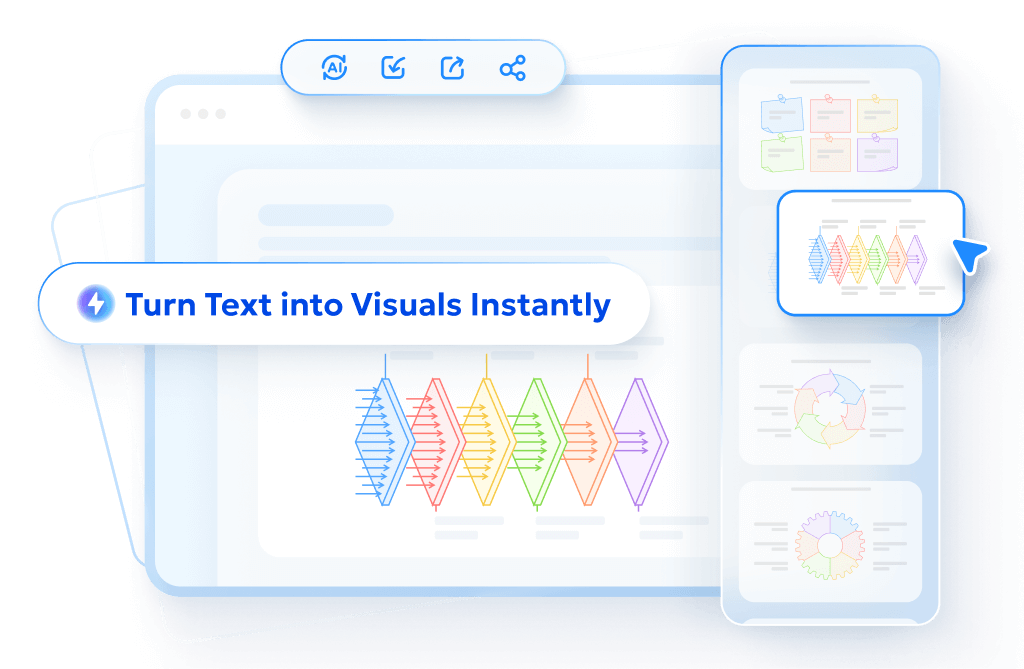
- AI text-to-visuals turns ideas into diagrams or infographics.
- Customizable styles match your brand and presentation tone.
- Share anytime by exporting in various formats and a link.
- No design skills needed for presentations, teaching, or reports.
Create Visuals Your Way
With easier imports, faster layout discovery, more visual styles, and greater control over the details, Diagrimo helps you move smoothly from existing content to a finished visual. Bring in the files you already use, find a layout that fits your message, and choose a visual style that matches your audience—all without rebuilding your work from scratch.
