Hey there! After lots of teamwork and thoughtful improvements, we’re excited to share some fresh updates designed to make your day easier and your visuals even better. Whether you’re working with a team or refining a personal project, our team has added some powerful new tools you’ll love. Let’s dive in!

1. Customize Your Visuals
We know you love customization, so we've completely revamped the visual editing tools, giving you greater creative freedom:
- Change Canvas Background Color: You can choose from a curated range of preset professional colors or select a custom color.
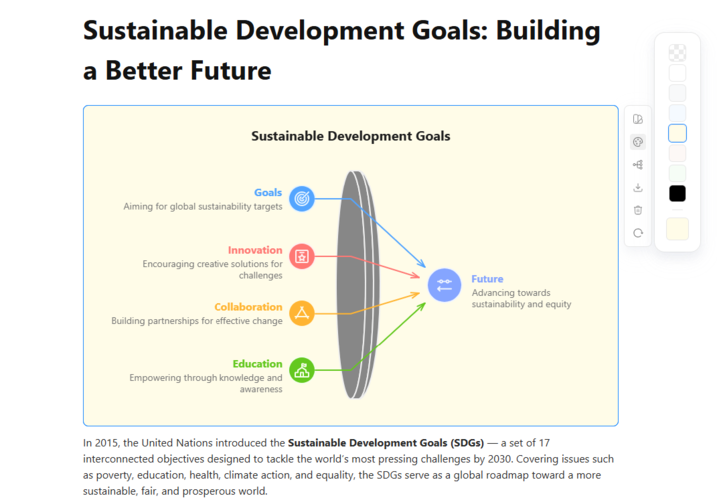
- Customize Text Styling: You can refine the presentation of your text by adjusting properties such as font style, color, stroke weight, transparency, and alignment.
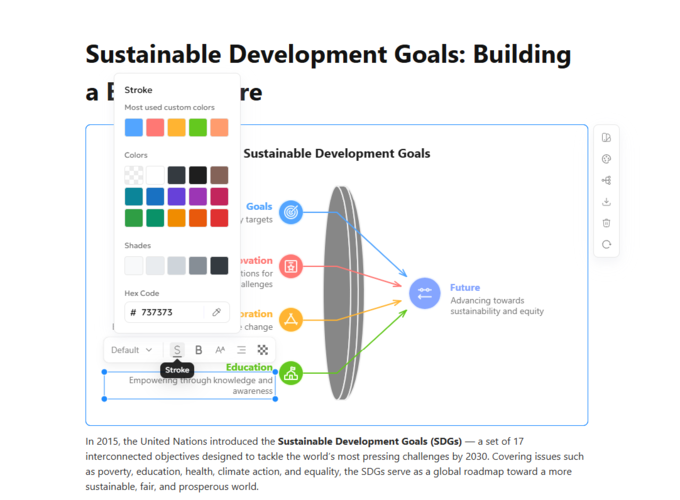
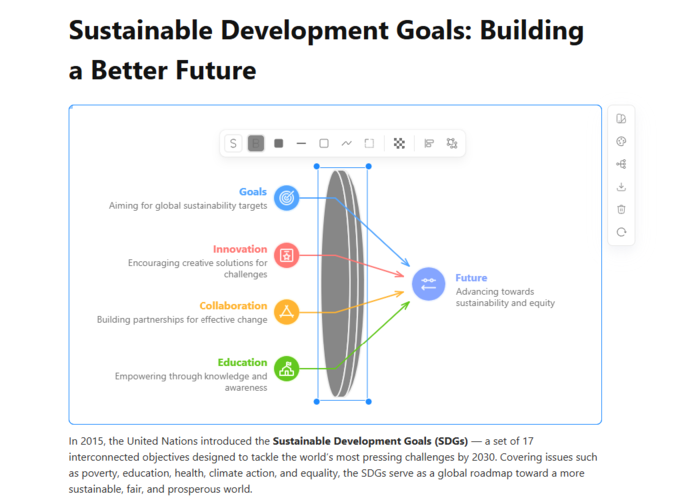
- Visual Element Styling: You can edit the stroke color, thickness, transparency, fill color, and fill pattern of visual elements, etc.
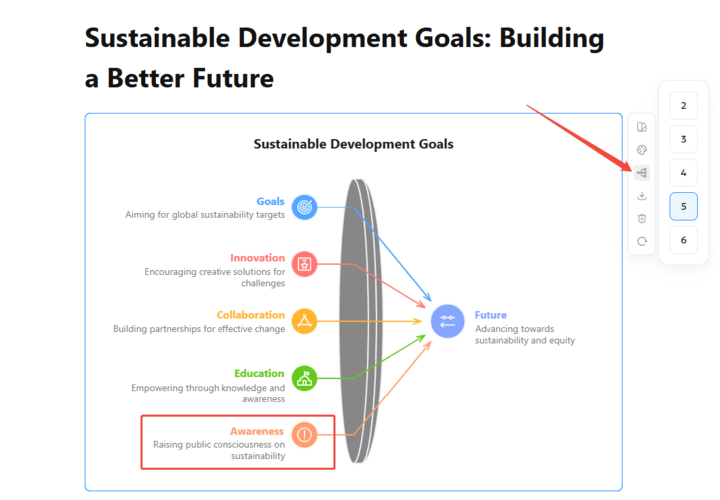
- Adjust Node Count: When you want to add new content to a visual image, you can directly add a new visual node and then edit it.
- New Visual Styles: We've also added two brand-new visual styles, giving you more options when generating visuals.
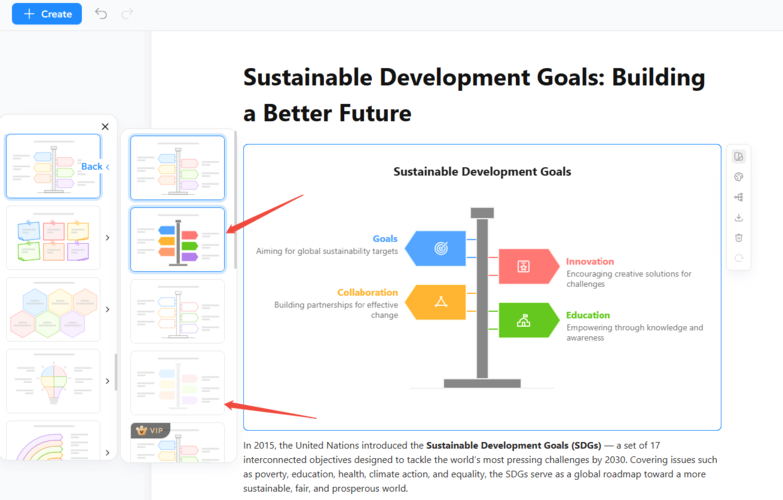
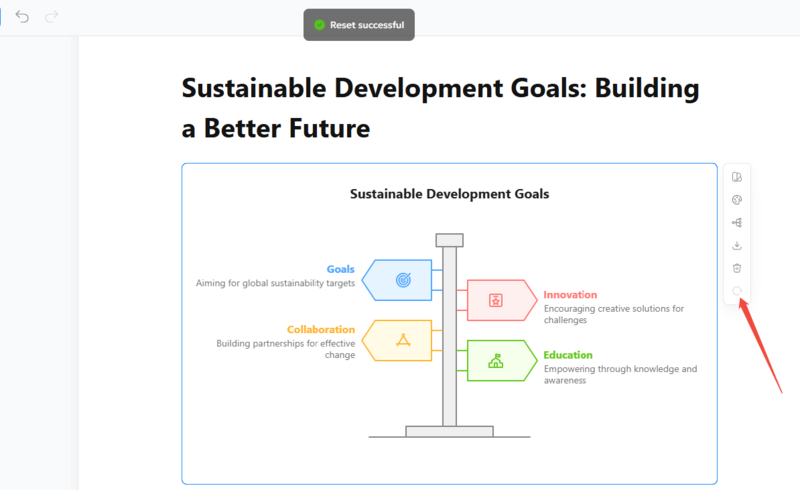
- Reset Visual Elements: When you are not satisfied with your custom legend, you can revert to its original state with one click.


2. Seamless Sharing & Notifications
Collaboration should be effortless, so we’ve upgraded how you share.
- Email Invitations: You can now manage access permissions by sending invitations directly via email.
- Stay in the Loop: We’ve added Message Notifications. You will now be notified immediately when someone shares a document with you or requests permission to view one. No more chasing down links!

3. Canvas Settings
Structure your visuals exactly how you need them with our new canvas options:
- Page Breaks: We now support standard formats including A4, US Letter, and 16:9—perfect for fitting your diagrams directly into presentation slides.
- Page Lines: Need a little guidance? Toggle on page lines to keep your layout neat and aligned.
4. Track Your Credits
Curious about your activity? You can now view your points consumption trend directly in the Account Credit section, helping you stay on top of your usage.
These updates are live now! Jump into Diagrimo today to try out the new canvas sizes and create some stunning works. Happy visualizing!
