Are you struggling to organize hospital staff or clarify roles within your healthcare facility? A hospital organizational chart can help. It visually shows the structure of the hospital, the hierarchy of departments, and the reporting lines for staff members. Whether you manage a small clinic or a large hospital, having a clear chart makes communication easier and ensures everyone knows their responsibilities.
In this article, we'll explain what a hospital organizational chart is, why it's important, how to create one, and provide examples to guide you in building an effective structure for your hospital.
Let's get started.
What is a Hospital Organizational Chart?
A hospital organizational chart (also called a hospital organizational structure chart) is a visual diagram that shows the hierarchy and reporting structure of a hospital. It includes all departments, roles, and responsibilities, helping staff understand who manages what.
These charts can range from simple structures for small clinics to complex diagrams for large hospitals. They are essential for keeping operations smooth, coordinating care, and improving communication between medical, administrative, and support teams.
Benefits of a Hospital Organizational Chart
Using an organizational chart of hospital staff brings many advantages:
-
Improves Communication: Staff immediately see who reports to whom and can direct questions to the right person.
-
Clarifies Roles and Responsibilities: Helps prevent confusion about tasks, reducing mistakes and delays.
-
Supports Staff Management: Makes it easier for HR and leadership to assign tasks, plan schedules, and monitor performance.
-
Enhances Workflow Efficiency: Departments understand their interconnections, improving coordination of care.
-
Aids Decision-Making: Leaders can quickly identify gaps in staff or resources.
Key Roles in a Hospital Organizational Chart
Every organizational chart for hospital includes several critical roles. Typical positions include:
-
Executive Leadership: CEO, Medical Director, Chief Nursing Officer -- responsible for overall hospital operations and strategy.
-
Clinical Departments: Doctors, Nurses, Specialists, Surgeons -- provide direct patient care.
-
Administrative Staff: HR, Finance, Admissions -- handle non-clinical hospital operations.
-
Support Services: Pharmacy, Lab, IT, Maintenance -- ensure smooth daily operations.
Visualizing these roles in a hospital organizational chart helps everyone understand their responsibilities and how departments work together.
How to Create a Hospital Organizational Chart
Creating a hospital organizational chart doesn't have to be difficult. Whether you're making one for a small clinic or a large medical center, the goal is to show the structure, roles, and reporting lines in a way that everyone can easily understand. Below are clear and detailed steps you can follow, especially using Diagrimo to make the process faster and easier.
1. Structure Your Hospital Data
Before opening the tool, organize your hierarchy into a "text-first" format. Diagrimo excels when you provide clear, logical relationships.
-
Executive Level: CEO, Board of Directors.
-
Administrative Pillars: CFO (Finance), COO (Operations), HR Director.
-
Clinical Pillars: Chief Medical Officer (CMO), Chief Nursing Officer (CNO).
-
Departments: Emergency, Radiology, Pharmacy, Surgery, etc.
2. Creating the Chart in Diagrimo
-
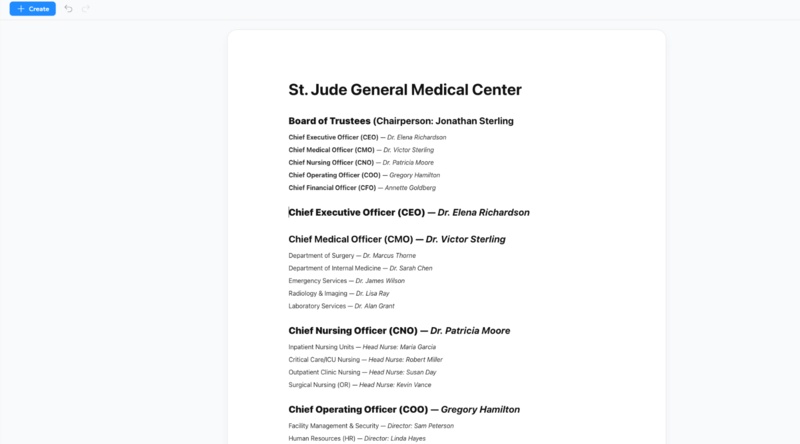
Step 1: Input Your Hierarchy Text
Log in to the Diagrimo platform. In the main text workspace, type or paste your hospital structure using a nested list or descriptive sentences.
-
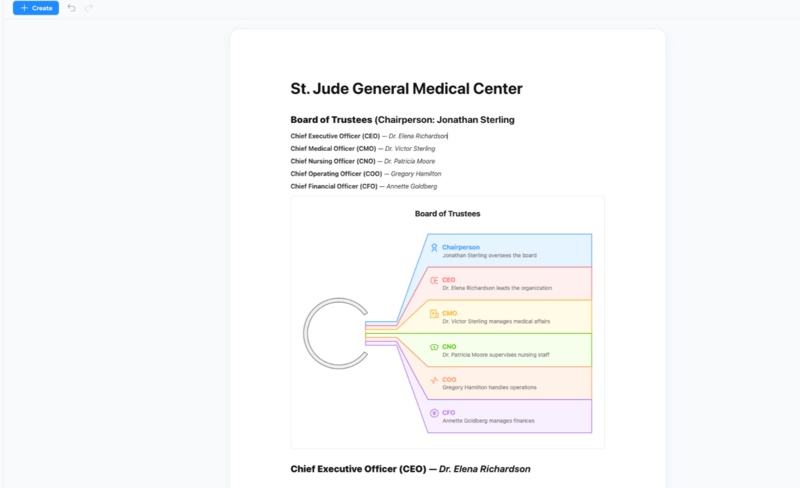
Step 2: Use the AI Instant Visualization
Highlight the text you just entered. Click the "Visualize" button. Diagrimo's AI will analyze the logical patterns in your text and instantly produce a structured visual chart.
-
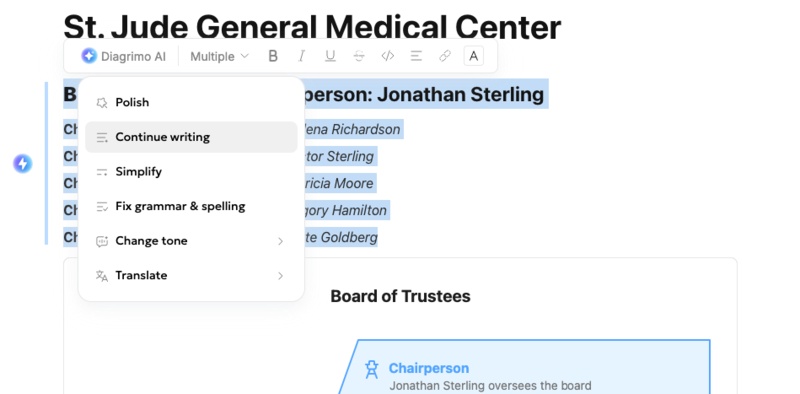
Step 3: Refine with the AI Writing Assistant
If the labels in your chart are too wordy (e.g., "Person in charge of all financial operations"), use the built-in AI Writing Assistant to "Refine" or "Simplify" the text into professional titles like "Chief Financial Officer."
-
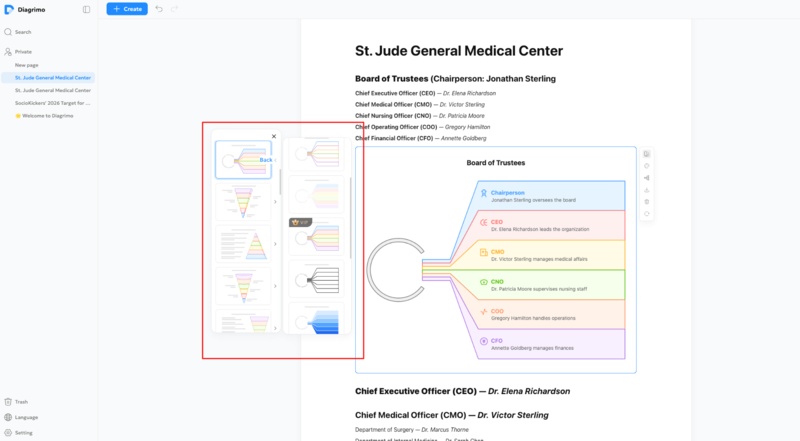
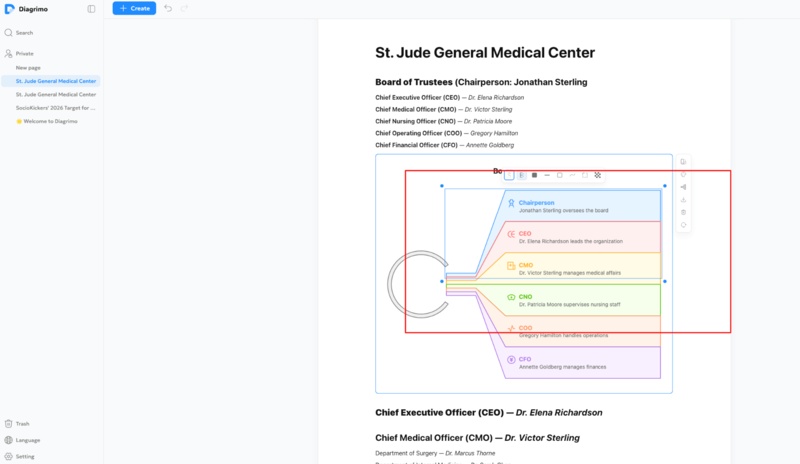
Step 4: Customize the Style and Layout
Once the base chart is generated, use the Quick Edit functions to adjust the visual style:
- Color-Code: Assign different colors to departments (e.g., Blue for Admin, Green for Clinical).
- Shape Adjustments: Modify box sizes or line styles to distinguish between direct reports (solid lines) and advisory roles (dotted lines).
-
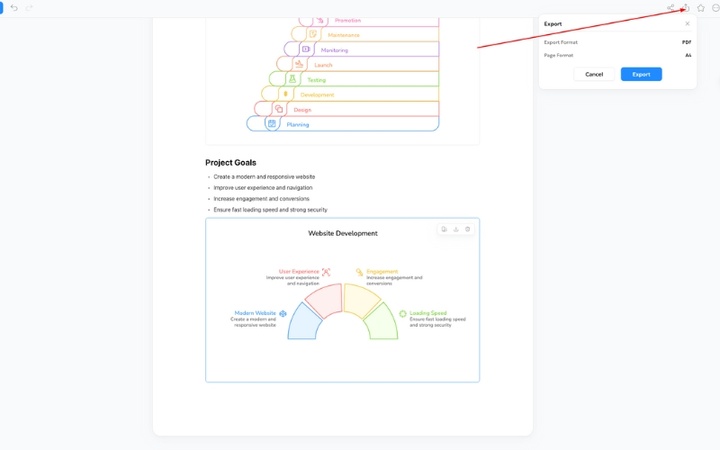
Step 5: Export and Share
Once satisfied, use the Export feature to download your hospital chart as a PDF.
Using Diagrimo's AI capabilities speeds up the entire chart creation process and removes much of the manual work required in traditional tools. You get a professional, clear hospital organizational chart without starting from scratch or wrestling with complex software.


Hospital Organizational Chart Examples & Templates
Here are a few ways hospital organizational charts can be structured:
-
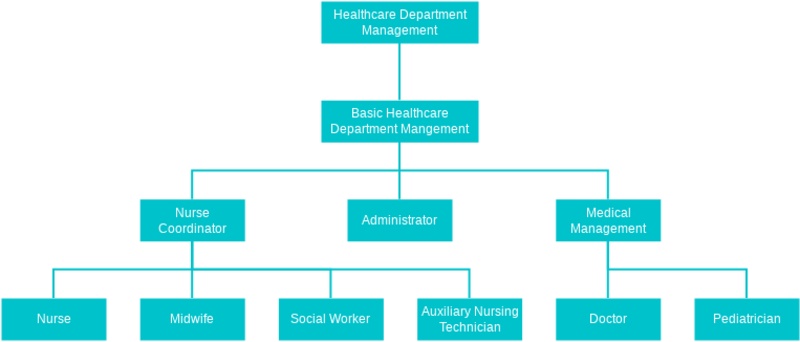
Hierarchical Chart: Shows clear top-down authority, ideal for large
hospitals.
-
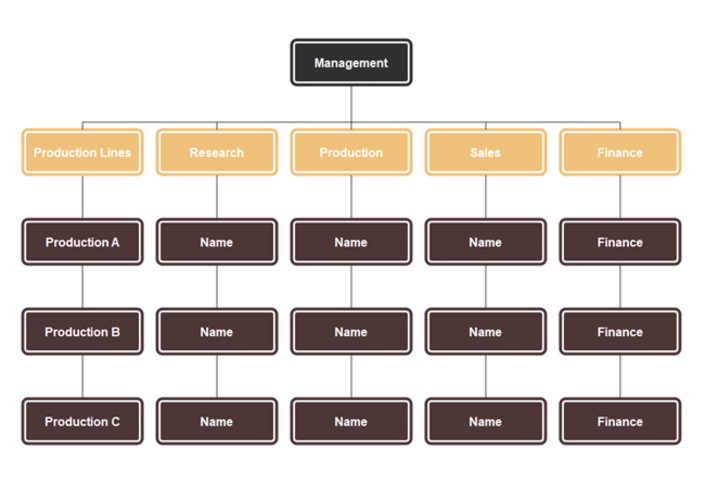
Matrix Chart: Useful for hospitals where staff work across multiple
departments.
-
Flat Chart: Best for smaller hospitals or clinics with fewer staff.
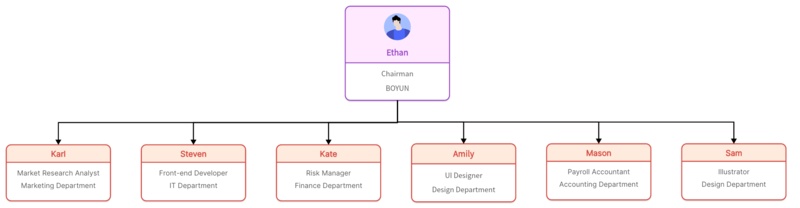


You can find templates online or use tools like Diagrimo to create professional hospital organizational charts that suit your facility's size and complexity.
Tips for an Effective Hospital Organizational Chart
To make your organizational chart of hospital easy to read and useful:
-
Keep it Simple: Avoid overcrowding the chart with too much detail.
-
Use Color Coding: Different colors for departments or levels improve readability.
-
Make it Accessible: Share digitally or print it for staff reference.
-
Update Regularly: Staff changes and new departments require chart updates.
-
Test with Staff: Ensure the chart is easy to understand for everyone.
Final Thoughts
A hospital organizational chart is a vital tool for managing staff, improving communication, and organizing hospital operations efficiently. While there are multiple tools available, Diagrimo is highly recommended because it allows you to create clean, professional diagrams quickly.
Its AI-powered templates, easy customization, and export options make chart creation fast and simple, even for beginners. Whether you manage a small clinic or a large hospital, Diagrimo can help you structure your staff clearly, save time, and enhance overall efficiency.

- AI text-to-visuals turns ideas into diagrams or infographics.
- Customizable styles match your brand and presentation tone.
- Share anytime by exporting in various formats and a link.
- No design skills needed for presentations, teaching, or reports.

FAQs
-
What is a hospital organizational chart and why is it important?
-
How do I create an organizational chart for a hospital?
-
What are common types of hospital organizational charts?
-
Can I make a hospital organizational chart online for free?
-
How often should a hospital update its organizational chart?
A hospital organizational chart is a visual diagram showing staff roles and reporting lines. It is important because it clarifies responsibilities, improves communication, and helps the hospital run efficiently.
To create a hospital organizational chart, list all staff and departments, choose a layout, use a template if needed, arrange the hierarchy, and add names and responsibilities. Tools like Diagrimo make this easy.
Common types include hierarchical charts for top-down authority, matrix charts for cross-department collaboration, and flat charts for small hospitals or clinics with fewer staff.
Yes, tools like Diagrimo allow you to create hospital organizational charts online for free. This tool offer templates, drag-and-drop interfaces, and export options for easy use.
A hospital should update its organizational chart whenever staff roles change, departments are added or removed, or responsibilities shift. Regular updates ensure accuracy and usefulness for all staff.
